Turn Tickets Into Topics
Your customers already wrote your next ten posts, inside your support inbox.
Every support inbox is a transcript of what your customers do not understand about your product, asked over and over in their own words. Most teams close each ticket and let that transcript disappear the moment the CSAT survey goes out. Treat it as raw material instead. A quarter of tickets, clustered by theme, is a content calendar nobody had to brainstorm, because the demand already showed up and asked a real person a real question.
What to do: Pull a quarter's worth of closed support conversations and feed the transcripts to an LLM with one instruction, group these by underlying question and rank by frequency. Take the clusters nobody has answered in public yet and write the real, complete answer as a blog post or help-center article instead of the three-line reply an agent typed inside the ticket.
Why it works: The questions are already validated by real customers asking them today, so you never have to guess what the market wants to read.
Example: Help Scout hired its first marketer, Gregory Ciotti, specifically to sit with the support and product teams instead of a keyword tool, and the blog he built off their conversations grew past 250,000 monthly visitors within a year, most of it from organic search. A support-desk company's biggest marketing asset turned out to be its own support desk.
Walk it through
I checked whether the model still holds, in July 2026. Here is what came back.
1. Curl their sitemap and see how much of the site is ticket-sourced.
curl -s https://www.helpscout.com/sitemap/sitemap-0.xml | grep -o "<loc>" | wc -l
curl -s https://www.helpscout.com/sitemap/sitemap-0.xml | grep -o "<loc>[^<]*/blog/[^<]*</loc>" | wc -l
584 URLs total, 301 of them under /blog/. More than half of everything Google knows about on a customer-support software company's site is a blog post. That is not a marketing team writing thought leadership on the side. That is the support inbox working as the primary content engine.
2. Open the category the tickets actually feed.
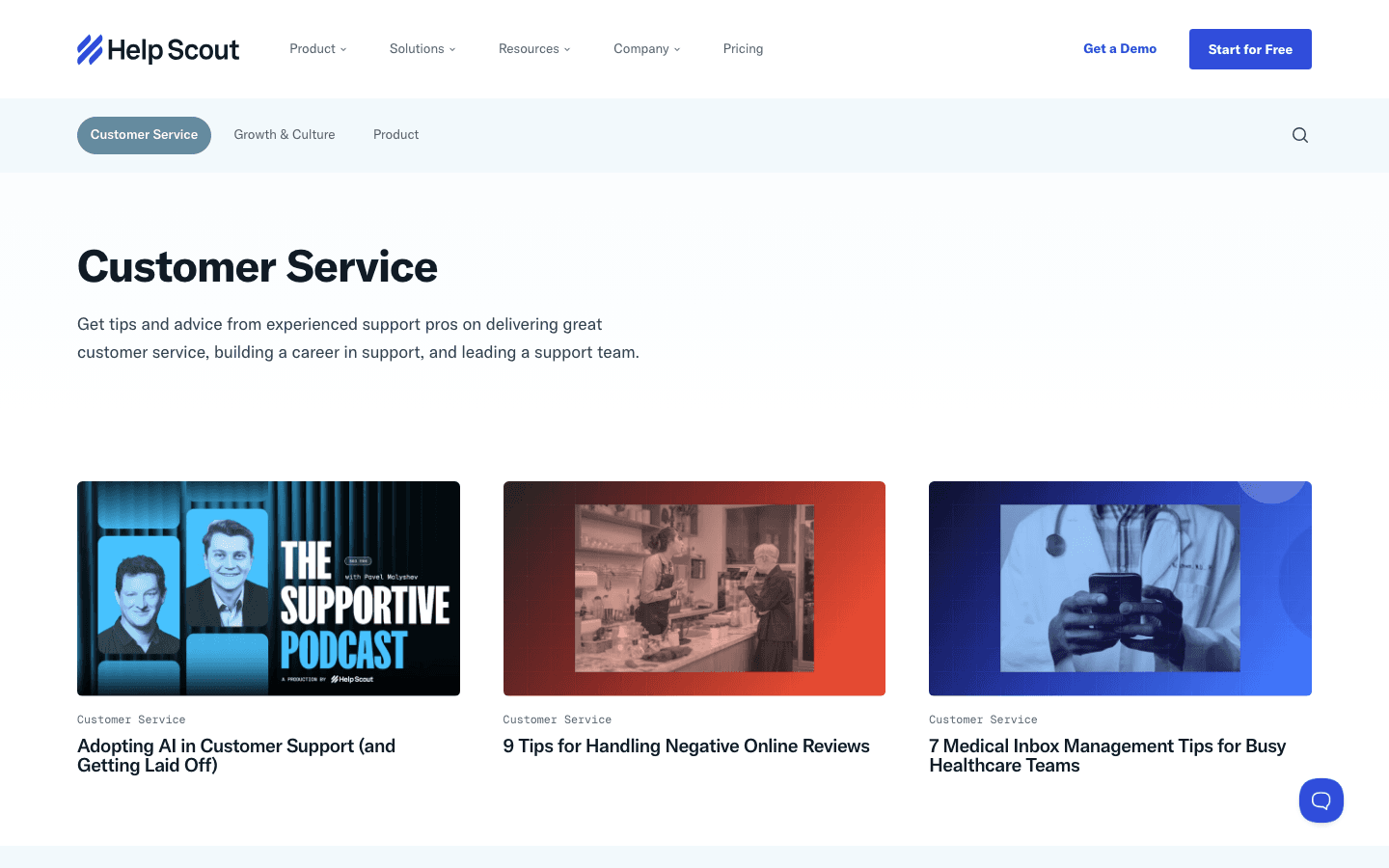
Read the headlines running today. "9 Tips for Handling Negative Online Reviews." "7 Medical Inbox Management Tips for Busy Healthcare Teams." "Adopting AI in Customer Support (and Getting Laid Off)." Nobody pulled these off a keyword tool. Each one reads like the fifth time this month a customer asked the same thing in a ticket, and somebody finally sat down to answer it properly, in public, once.
3. Find the post where they say the quiet part out loud.
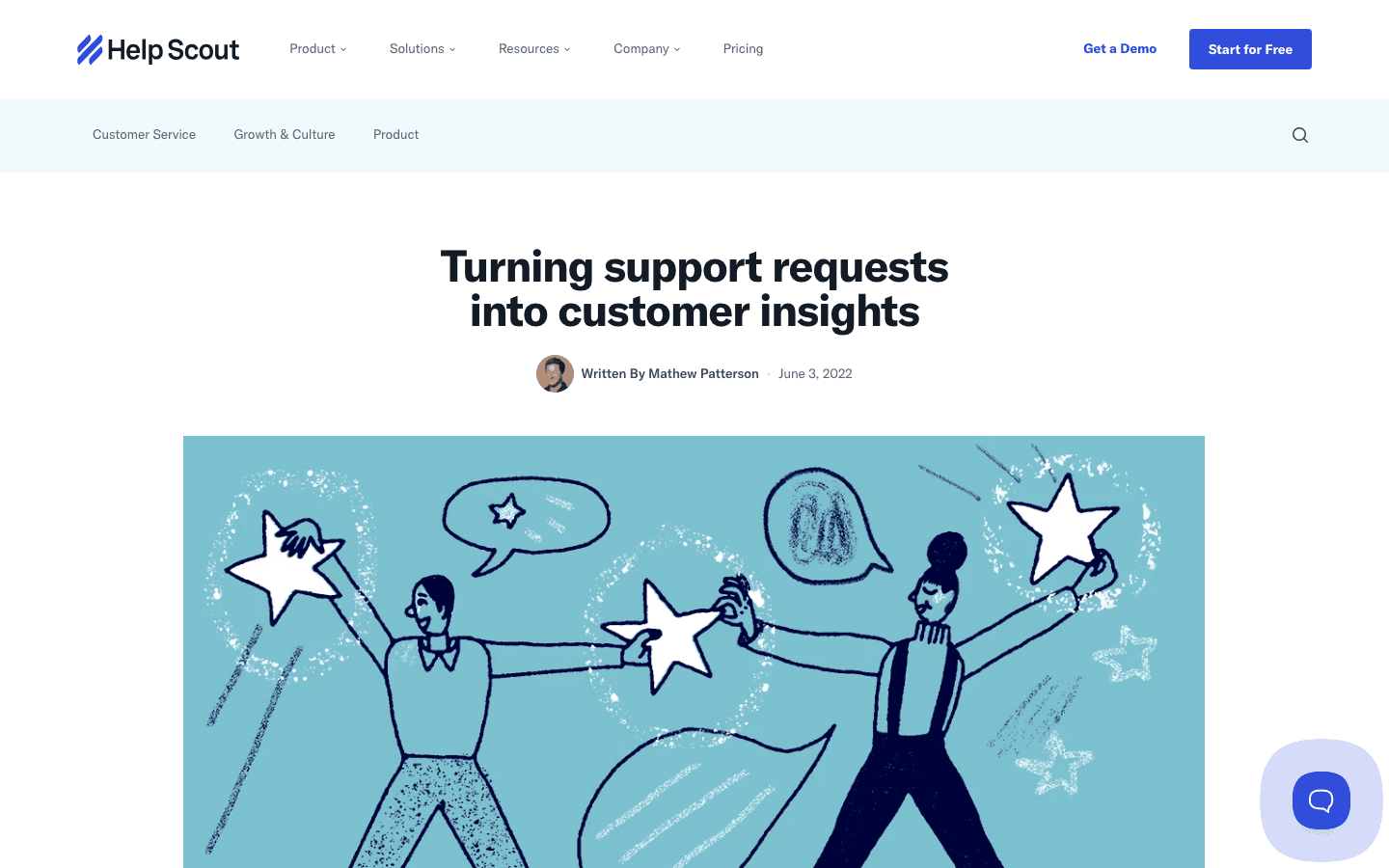
Mathew Patterson's job title at Help Scout is Customer Service Content Lead, a role that only makes sense if support and content are the same function. His post lays out the mechanics without hiding any of it. Tag conversations as they land, route the tagged ones to whoever owns that surface, run reports off the tags to see where the volume actually sits, then write. That is an editorial calendar built entirely out of a help desk.
The read
- Volume already proves demand. You are not betting on a topic idea, you are counting how many people asked the same thing last quarter. A cluster of forty tickets is forty confirmations nobody had to guess at.
- The customer wrote the headline. The exact phrase someone typed into a ticket, "why did my invoice change" or "how do I export my contacts," is closer to what people actually search for than anything a content calendar would invent.
- Silence is data too. When a cluster that used to show up every quarter goes quiet, either the product team fixed the confusion or your post already answered it. Either way, stop writing about it and move to the next cluster.
Steal it
You do not need Help Scout's ticket volume to run this. Pull whatever closed conversations your team handled last quarter, from whatever tool holds them, and feed the transcripts to an LLM with one instruction, group these by underlying question and rank the groups by frequency. That used to take a person a week of reading tags by hand. It now takes minutes, and the output is a ranked list of exactly what your customers do not understand about your product, in their own words. Take the top ten clusters nobody has answered publicly, write the real answer instead of the two-line reply an agent typed at 4pm on a Friday, and you have a quarter of content with zero guessing involved.
The trade runs both ways. Everything earlier in this book about reading a competitor's public exhaust works on you too, so once you publish what your support team fields daily, a competitor reading your blog is reading a map of exactly where your product confuses people. Publish the resolved, general version of the question, never the specific account details or the internal workaround a support agent scribbled in a private note. If a cluster reveals something you would rather a rival not see forming, fix the product first and let the post wait until the confusion is gone.
Gotchas
- A spike is not automatically a trend. One bad release can flood a single quarter with the same complaint. Check whether the cluster still shows up next quarter before you commit a permanent post to it.
- Strip the specifics before you publish. Real account numbers, real customer names, and the exact words of an angry email do not belong in a public post. Generalize the question, keep the answer, drop everything that identifies who asked it.
- A great post is not a fix. If five hundred tickets ask where a setting lives, the honest fix is moving the setting somewhere people can find it. The post buys you time. It does not replace the redesign.